


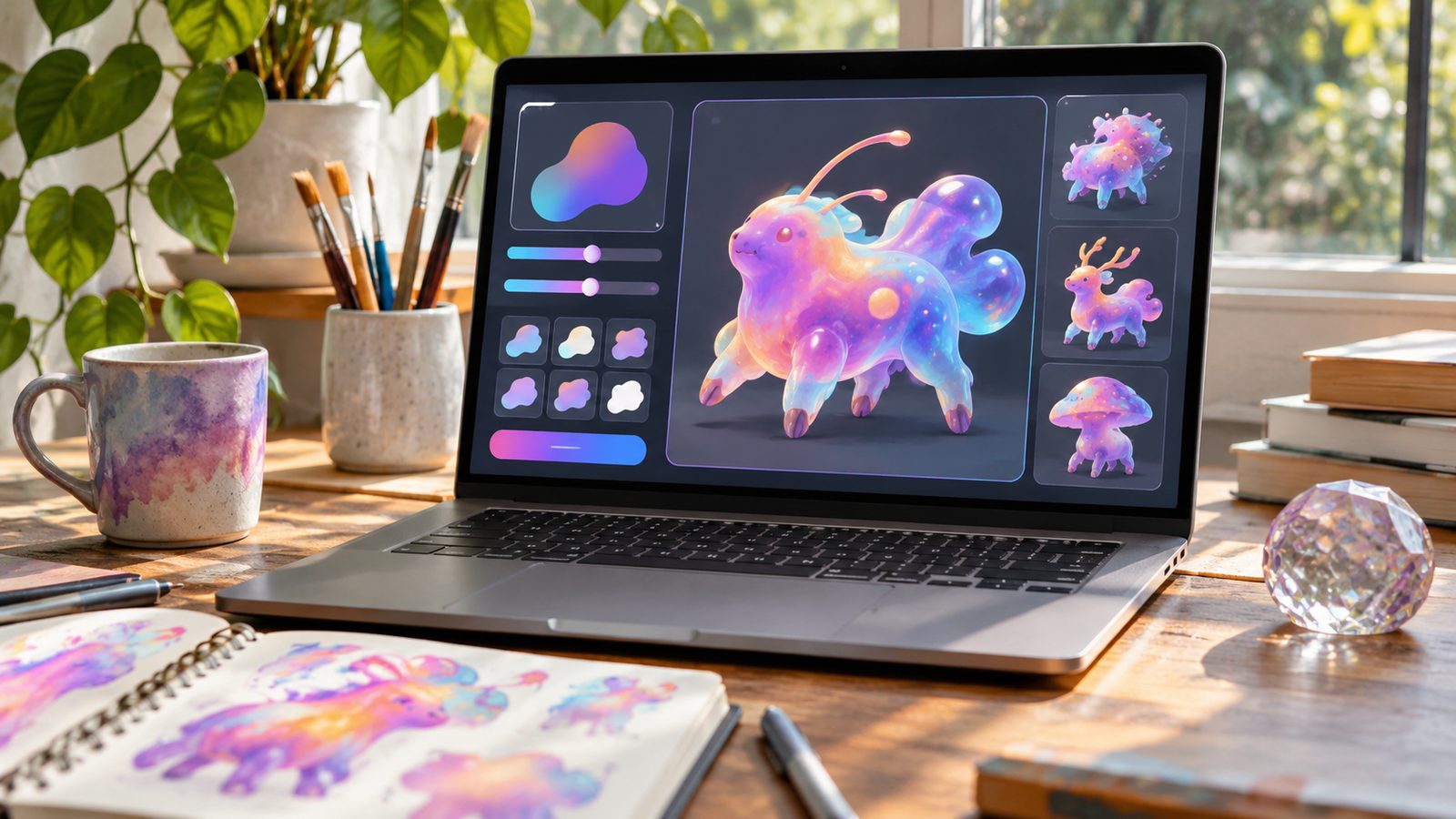
An AI Pokemon generator can turn a simple creature idea into original, Pokémon-inspired artwork within minutes. You can control elements like type, colors, anatomy, personality, and evolution stage. Strong prompts also help your result feel original instead of resembling an existing character. Direct answer: AI creature generators use text prompts or reference images to produce original monster concepts. Describe the creature’s animal base, elemental type, colors, distinctive features, personality, and environment. For stronger results, avoid naming existing characters and focus on visual traits you invented yourself.
AI Creature Generation at a Glance
| Question | Quick answer |
|---|---|
| What can you create? | Original Fakemon-style creatures and concept art |
| What inputs work? | Text descriptions, reference images, or both |
| Can you choose a type? | Many tools support elemental or visual themes |
| Can you design evolutions? | Some tools let you select or describe evolution stages |
| Can you use a pet photo? | Several current generators support image references |
| Are results official Pokémon? | No, generated creatures are unofficial fan creations |
| Best prompt approach | Describe original anatomy, colors, powers, and personality |
| Best use | Fan concepts, inspiration, stories, RPGs, and personal artwork |
Key Takeaways
* Start with one clear creature concept instead of several competing ideas. * Describe visible traits rather than requesting an existing character. * Add type, anatomy, color, personality, and habitat details. * Generate several versions before choosing your favorite. * Use reference images only when you have permission to use them. * Treat generated designs as unofficial fan creations. * Check usage rights before selling or commercially publishing artwork.
How an AI Pokemon Generator Works
Most modern creature generators combine your written description with an image-generation model. Some services also provide menus for types, styles, or evolution stages. Those controls can make the final design more predictable. Current tools do not all work in the same way. Some accept only text, while others can transform photos or sketches. Several tools now support both text-to-image and image-to-image workflows. The system then interprets your description as visual instructions. It decides shapes, colors, textures, lighting, pose, and other image details. Your prompt therefore has a large effect on the creature you receive.
What You Need Before Creating a Fakemon
You do not need artistic training to begin. You only need a clear concept and enough details to guide the image model. A short planning note can prevent inconsistent results. Choose an animal, plant, object, or fictional idea as your starting point. Then decide what makes your creature different from familiar designs. Original combinations usually produce more interesting results. Prepare these details before generating:
* Animal, object, or creature base * Primary elemental theme * One or two main colors * Distinctive body feature * Personality or temperament * Habitat or environment * Evolution stage * Preferred art direction
How to Create Your Own AI Creature
1. Start With One Strong Concept
Pick one recognizable foundation for the creature. You might use a red panda, cactus, lantern, manta ray, or snow leopard. Combining too many unrelated subjects can confuse the model. Next, add one memorable design idea. A snow leopard could have icy whiskers and translucent paws. A lantern creature could carry glowing fire inside its body.
2. Describe the Creature’s Element
Give the model a clear elemental direction. Fire, water, grass, electric, ghost, ice, and similar themes provide useful visual signals. You can also invent your own broader concept. Translate the element into visible anatomy whenever possible. Instead of saying “powerful electric creature,” describe glowing antennae and sparks between its claws. Concrete visual instructions usually provide stronger guidance.
3. Add Colors and Physical Features
Choose two or three dominant colors. Too many competing colors can make a small character difficult to read. You can always request another variation afterward. Then describe its most recognizable feature. Consider oversized ears, crystal antlers, leaf wings, cloud fur, or a glowing tail. One distinctive feature can give the design a stronger identity.
4. Give It a Personality
Personality affects posture and expression. A timid creature should look different from an aggressive guardian. Describe that behavior directly in the prompt. Useful terms include curious, mischievous, sleepy, protective, nervous, playful, or confident. You can also describe how the creature reacts to strangers. These details help the model develop a more coherent character.
5. Choose an Evolution Stage
Think about whether you want a baby creature, base form, or final evolution. Earlier forms usually benefit from simpler shapes and softer features. Final forms can support heavier armor or more complex anatomy. Some current generators provide dedicated evolution controls. Others require you to explain the stage inside your prompt. Keeping the same core features helps related forms look connected.
6. Generate Several Variations
Do not expect the first image to match every idea. Generative image systems can interpret the same description differently each time. Small details may disappear or change between attempts. Generate several versions and compare their silhouettes. Look closely at eyes, limbs, markings, and body proportions. Keep the strongest concept rather than accepting the first result.
7. Refine the Prompt Instead of Making It Longer
Longer prompts are not automatically better. Extra instructions can compete with the features you care about most. Remove anything that does not affect the visible design. Change one or two instructions between attempts. This approach makes it easier to understand which wording improves the result. You can then build a reusable prompt for later evolutions.
A Better Fakemon Prompt Formula
A reliable prompt gives each detail a clear job. Start with the subject, then move through type, anatomy, personality, and setting. Keep the most important visual traits near the beginning. Try this structure. Original creature + base + element + anatomy + colors + personality + stage + pose + setting. For example. Small original fox-like fantasy creature, electric theme, crystal ears, pale yellow fur, blue sparks, playful expression, base evolution, full-body pose, forest clearing. This prompt avoids asking for an existing character. It gives the model specific visible features instead. You can change one feature at a time to create new variations.
Text Prompts vs. Photo-Based Generators
Text generators work best when you already have an idea in your head. They give you direct control over features, colors, powers, and environment. They are also useful for creating a creature from nothing. Photo-based tools start from something you already recognize. Current generators can use pets, portraits, objects, and sketches as references. The output then borrows selected visual characteristics from the source. A pet photo can inspire fur colors, ear shapes, or recognizable markings. An object can contribute materials, shapes, or patterns. The strongest results still transform those details into a new creature.
Ideas for More Original Designs
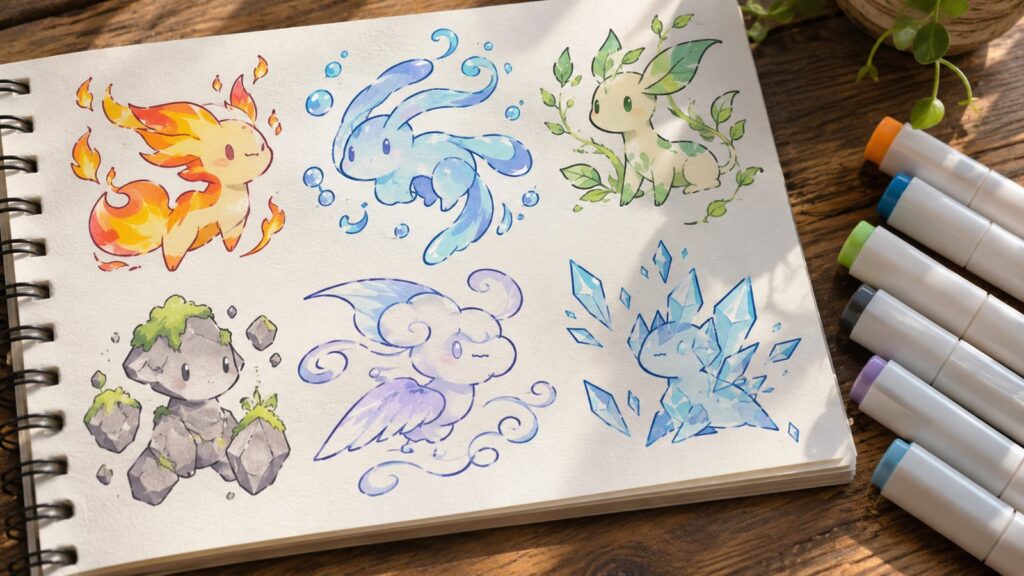
Many weak generations start with broad requests like “make a cool fire Pokémon.” The model receives little information about what should make that creature unique. More specific combinations create a stronger design direction. Try combining an elemental idea with an unusual natural feature. A water creature might have glass fins inspired by deep-sea animals. A grass creature could grow mushrooms that change color with its mood. You can also use stories as design constraints. Imagine where the creature lives and what problem its anatomy solves. That approach can make the final concept feel more believable. Readers interested in creative pop-culture interpretations can also explore NewsHeck’s guide to Ongo Gablogian. Fantasy-creature fans may also enjoy its explainer on Tessarion the dragon, including its size and powers.
Can You Use AI-Generated Fakemon Commercially?
Commercial use deserves more caution than personal experimentation. Pokémon characters, artwork, names, and other materials are protected intellectual property. The Pokémon Company’s current support guidance asks projects not to use or associate themselves with its intellectual property. Creating a clearly original creature does not automatically answer every rights question. Your generator’s own terms may also govern the output. Commercial projects should review those terms before publication or sale. U.S. copyright rules add another consideration for AI-generated images. The Copyright Office says human-authored expressive contributions can qualify for protection. Prompting alone does not necessarily provide copyright protection for an AI output. For casual fan creativity, the simplest approach is clear separation from official material. Avoid official logos, copied character designs, or claims of endorsement. NewsHeck readers can find additional entertainment coverage from the site’s homepage. latest NewsHeck stories
Common AI Creature Generator Mistakes
The first mistake is naming an existing character when you want something original. That instruction encourages the model toward recognizable intellectual property. Describe visual ideas instead of copying a specific design. Another mistake is giving conflicting anatomy instructions. A prompt requesting four legs, floating movement, human hands, and bird wings may produce unstable results. Decide which physical traits matter most. Users also abandon good concepts too quickly. A weak first image can result from randomness rather than a bad idea. Refine the wording and generate another version before changing the entire concept.
Frequently Asked Questions
Is an AI Pokemon generator free?
Some services offer free generations, free credits, or limited daily use. The limits vary between websites and can change. Check the current pricing or credit rules before uploading anything.
Can AI create a completely new Pokémon-style creature?
Yes, image generators can create original monster concepts from your instructions. Originality improves when you describe your own anatomy, colors, and theme. Avoid requesting an exact copy of an existing character.
Can I turn my pet into a Fakemon?
Several current tools accept pet photos as image references. They can reinterpret colors, markings, ears, or other visible traits. Use a photo you own or have permission to upload.
What should I include in a good creature prompt?
Include a base creature, element, colors, unique anatomy, personality, and evolution stage. Add a pose or environment when those details matter. Keep the instructions clear and visually specific.
Can I make an evolution line?
Yes, you can generate related forms separately. Keep the same colors and signature features across each stage. Increase size, complexity, or power gradually between forms.
Are generated creatures official Pokémon?
No, third-party generated creatures are unofficial fan concepts. They are not new species released by Nintendo or The Pokémon Company. Avoid presenting them as official or endorsed designs.
Create a Creature That Feels Like Your Idea
AI tools make creature concept art accessible to people without drawing experience. The best results still depend on the choices you make before pressing generate. Clear anatomy and original features give the model useful direction. Start with a simple idea and develop it gradually. Generate several versions, then refine the strongest design. This process usually works better than filling one prompt with every possible detail. Use the result as a starting point for your own creativity. Give the creature a name, habitat, personality, and evolution story. Those human choices can turn an interesting generated image into a more complete original character. —
